Institutional Only|Drovix does not deal with individual investors and does not accept deposits or provide retail trading services.
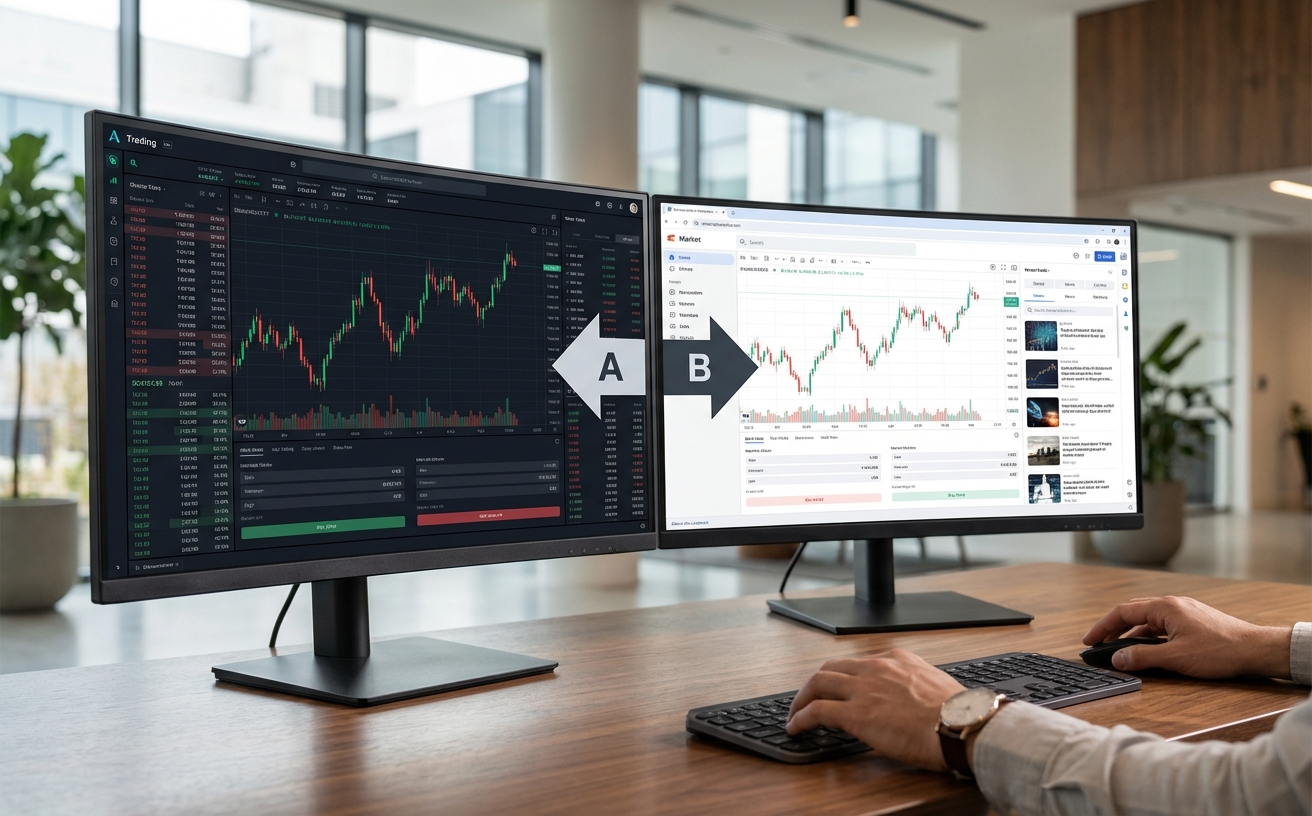
Platform Comparison
Compare MetaTrader 5 and Drovix WebTrader side-by-side to align platform choice with institutional execution and workflow requirements.
Use Both Platforms
You are not limited to one platform. Many institutional clients use MT5 on primary workstations for analysis and algorithmic workflows, while using WebTrader when traveling or on secondary devices. Both platforms connect to the same Drovix relationship seamlessly.
Key Differentiators
What makes each platform suited to different institutional workflows.
Expert Advisors on MT5
Run automated strategies, custom indicators, and backtest with the built-in strategy tester.
Instant Browser Access
Open WebTrader from any browser on any device. No downloads, no installations, no updates.
One Relationship, Both Platforms
Switch between MT5 and WebTrader seamlessly. Same balances, positions, and history where applicable.
Typical institutional workflows
Match platform choice to how your team operates.
Algorithmic and research desks
You build and run automated strategies. Expert Advisors and backtesting are essential.
Best fit: MetaTrader 5Multi-device execution teams
You operate from multiple devices and need instant access without desktop software installation.
Best fit: WebTraderHybrid desktop and browser workflows
You analyze on desktop with MT5 but execute via browser when away from the primary workstation.
Best fit: Both PlatformsPerformance Side by Side
Both platforms deliver institutional-grade execution through the same infrastructure.
Execution Speed
Same infrastructure
Spread Engine
Same liquidity providers
Order Types
Market, limit, stop & more
Uptime SLA
Shared server cluster
Platform Choice FAQ
Common questions when deciding between platforms.
Can I switch between platforms at any time?
Yes. Approved credentials work on both platforms simultaneously. Activity on one is reflected on the other in near real time.
Is there a price difference between platforms?
No. Both platforms connect to the same liquidity and pricing engine. Spreads and execution quality are identical.
Which platform has better charting?
MT5 offers 80+ indicators and 21 timeframes. WebTrader offers 50+ indicators — sufficient for many institutional workflows.
Do I need separate access credentials for each platform?
No. One approved Drovix relationship provides access to both MetaTrader 5 and WebTrader with the same credentials.
Ready to Get Started?
Contact us for access to Drovix on MetaTrader 5 and WebTrader under approved terms. Services are offered to eligible institutional and professional clients only.